When building the ultimate gaming setup, one of the most debated questions is: "What is the best size monitor for gaming?" While it is tempting to think that "bigger is always better," the truth is that the ideal size depends on your desk space, the games you play, and how close you sit to the screen.
In this guide, we’ll break down which monitor size is best for gaming, explain the pros and cons of each size category, and help you choose confidently based on real-world gaming needs and expert display knowledge.
Why Monitor Size Matters in Gaming
Monitor size isn’t just about how big the screen looks—it affects immersion, visibility, comfort, and even performance. Here’s what to consider:
- Immersion: Larger screens fill more of your field of view, pulling you deeper into game worlds.
- Visibility: Bigger displays can make distant objects or UI elements easier to see.
- Desk Space: Size impacts how well your monitor fits your setup and viewing distance.
- Performance Demands: Higher resolutions on larger screens may require more GPU power.
There’s no universal “best” size—only the best size for you. Let’s explore the most popular gaming monitor sizes.
24–25 Inch Monitors: Best for Competitive Gaming
Ideal for: Esports players, fast-paced FPS, and compact setups
Why it works: At this size, the entire screen remains within your peripheral vision. You don’t have to move your head or eyes excessively to see the HUD, mini-map, or enemies lurking in the corners. This leads to faster reaction times.
These displays often feature high refresh rates and lower resolutions (like FHD), which are easier to drive at max settings. They’re also space-efficient, fitting comfortably on smaller desks.

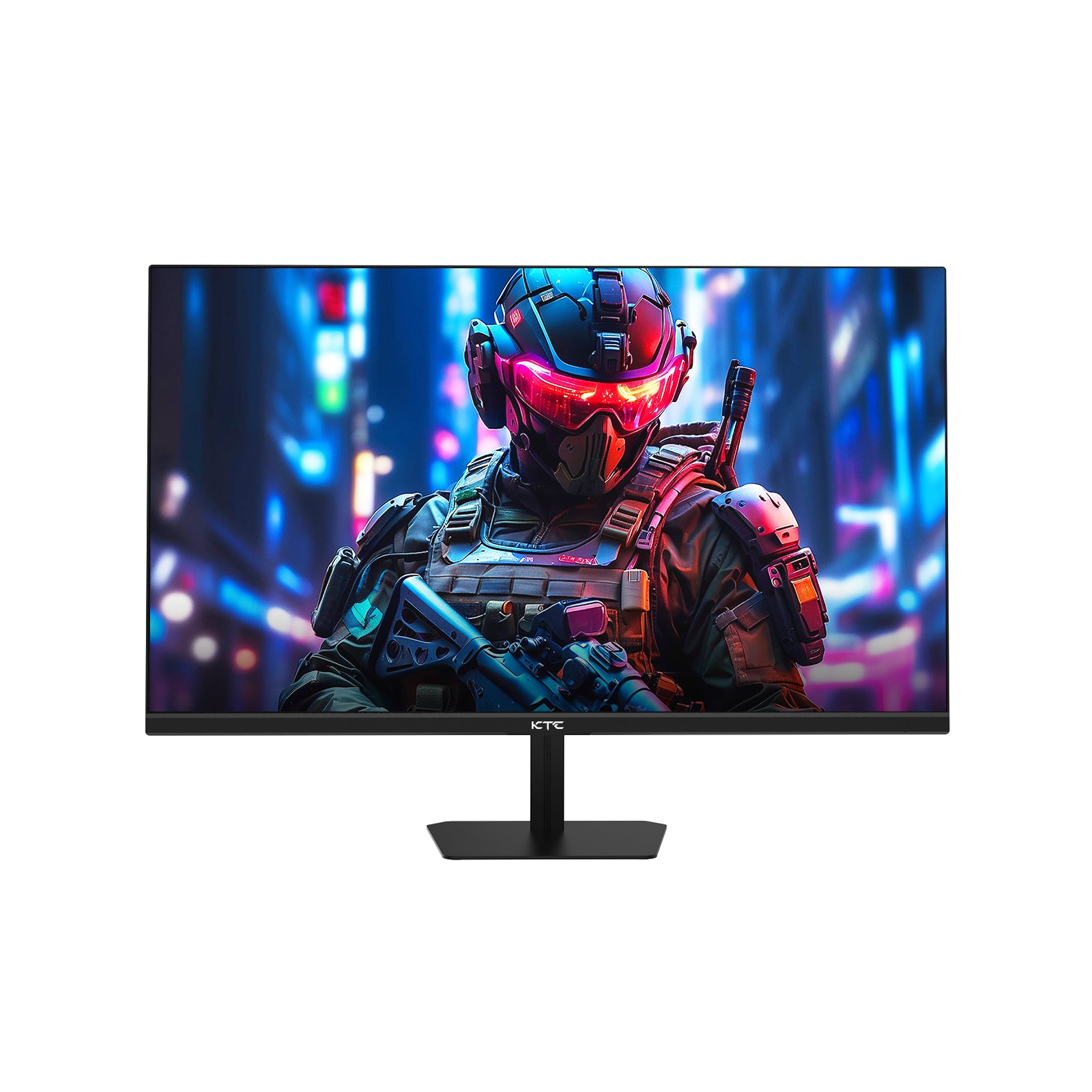
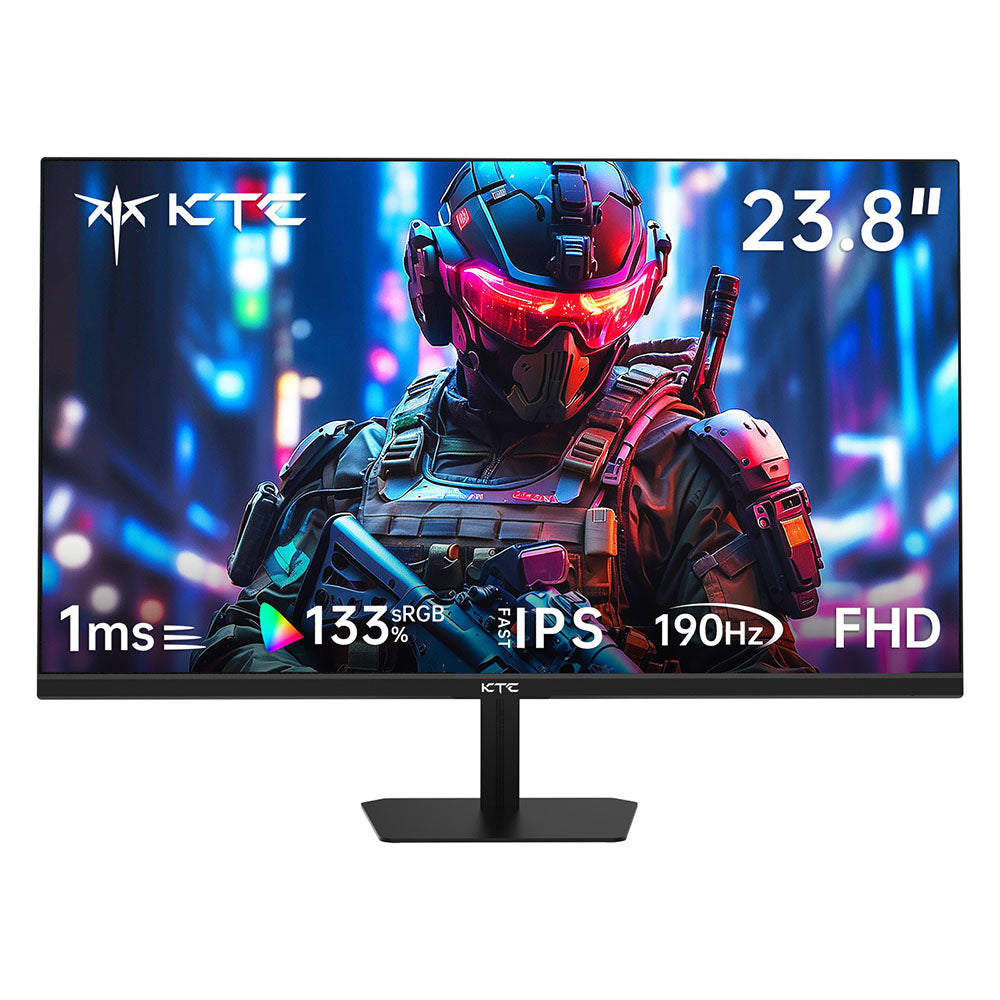
Product Spotlight: KTC H25X7
Our KTC H25X7 (24.5-inch) is built for speed and clarity. With a 400Hz overclocked refresh rate and 1ms MPRT response time, it delivers ultra-smooth motion crucial for competitive titles. The FHD resolution ensures sharp text and imagery, while HDR400 enhances contrast for more dynamic visuals—all in a compact, adjustable form.
27 Inches: The Sweet Spot for Versatility
Ideal for: Balanced gaming, creative work, and immersive multiplayer
Why it works: A 27-inch screen offers significantly more immersion than a 24-inch model without being overwhelming. To get the best experience at this size, we recommend moving up to 2K (1440p) resolution. This ensures a high pixel density (PPI), keeping images sharp and detailed.
This size strikes a perfect balance between detail and performance, making it excellent for both gaming and productivity.

Product Spotlight: KTC H27E6
The KTC H27E6 embodies versatility with its 27-inch Fast IPS panel and 2K QHD resolution. It pairs a 320Hz refresh rate with 1ms response time for buttery-smooth gameplay, while covering 144% sRGB for stunning color accuracy—ideal for gamers who also create content. With HDR400 and flexible connectivity including HDMI 2.1, it’s a powerhouse for PC and console gaming alike.
32 Inches and Beyond: Immersive Gameplay
Ideal for: Simulation, RPGs, cinematic games, and spacious setups
Why it works: A larger screen fills your field of view, drawing you deeper into the game world. Many 32-inch monitors are curved to help keep the edges of the screen at a consistent distance from your eyes, reducing eye strain.
If immersion is your top priority, a 32-inch or larger monitor can transform your gaming experience.

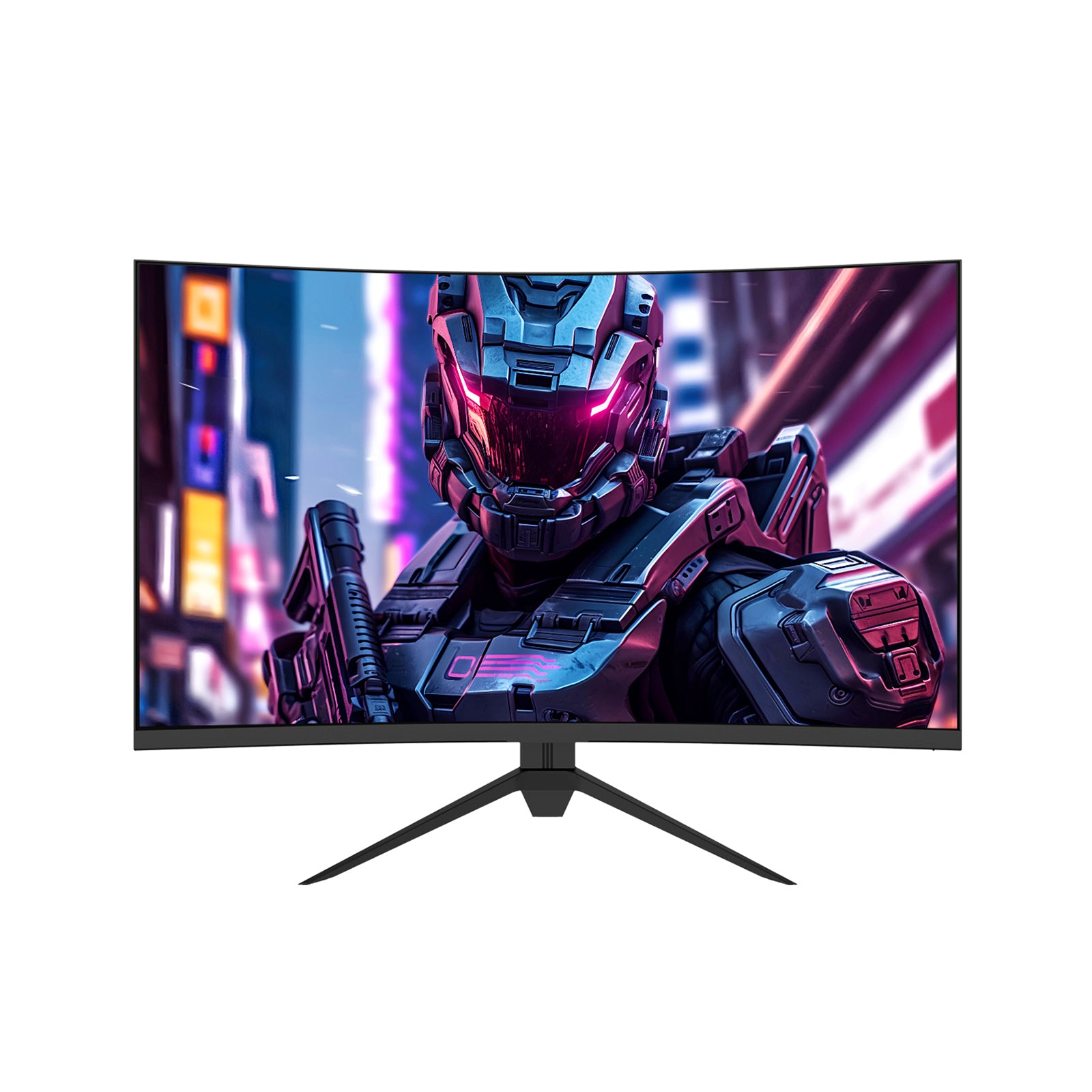
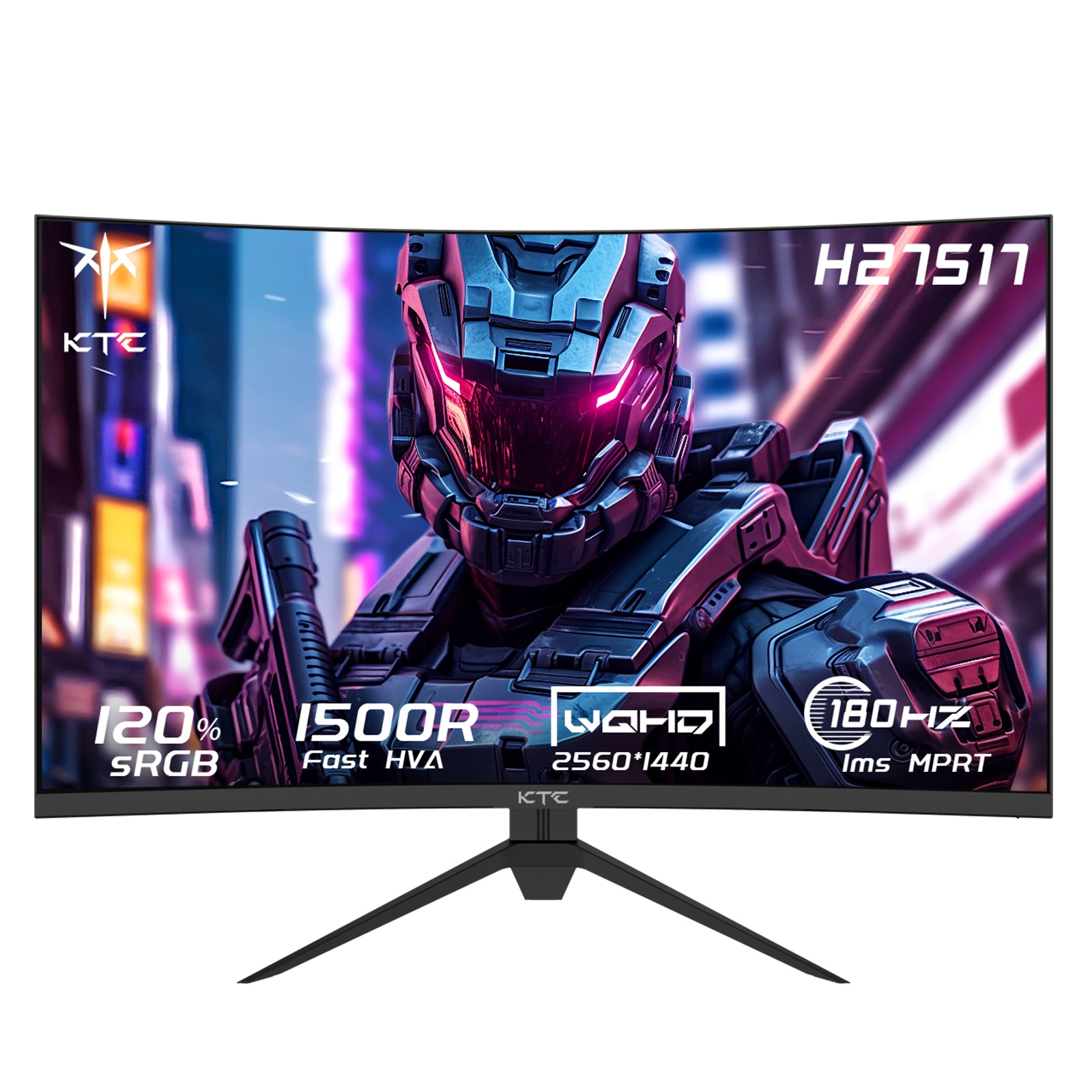
Product Spotlight: KTC H32S17F
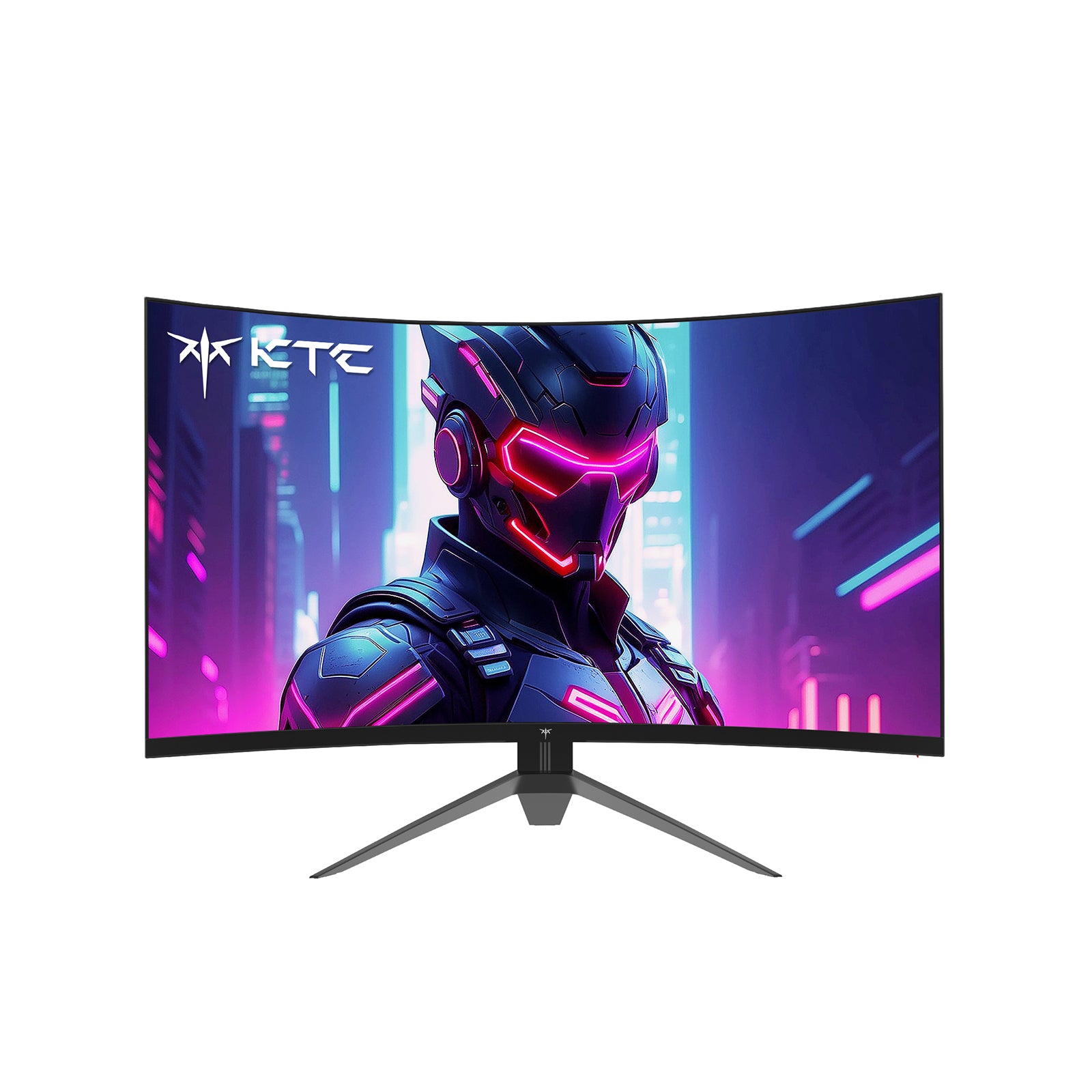
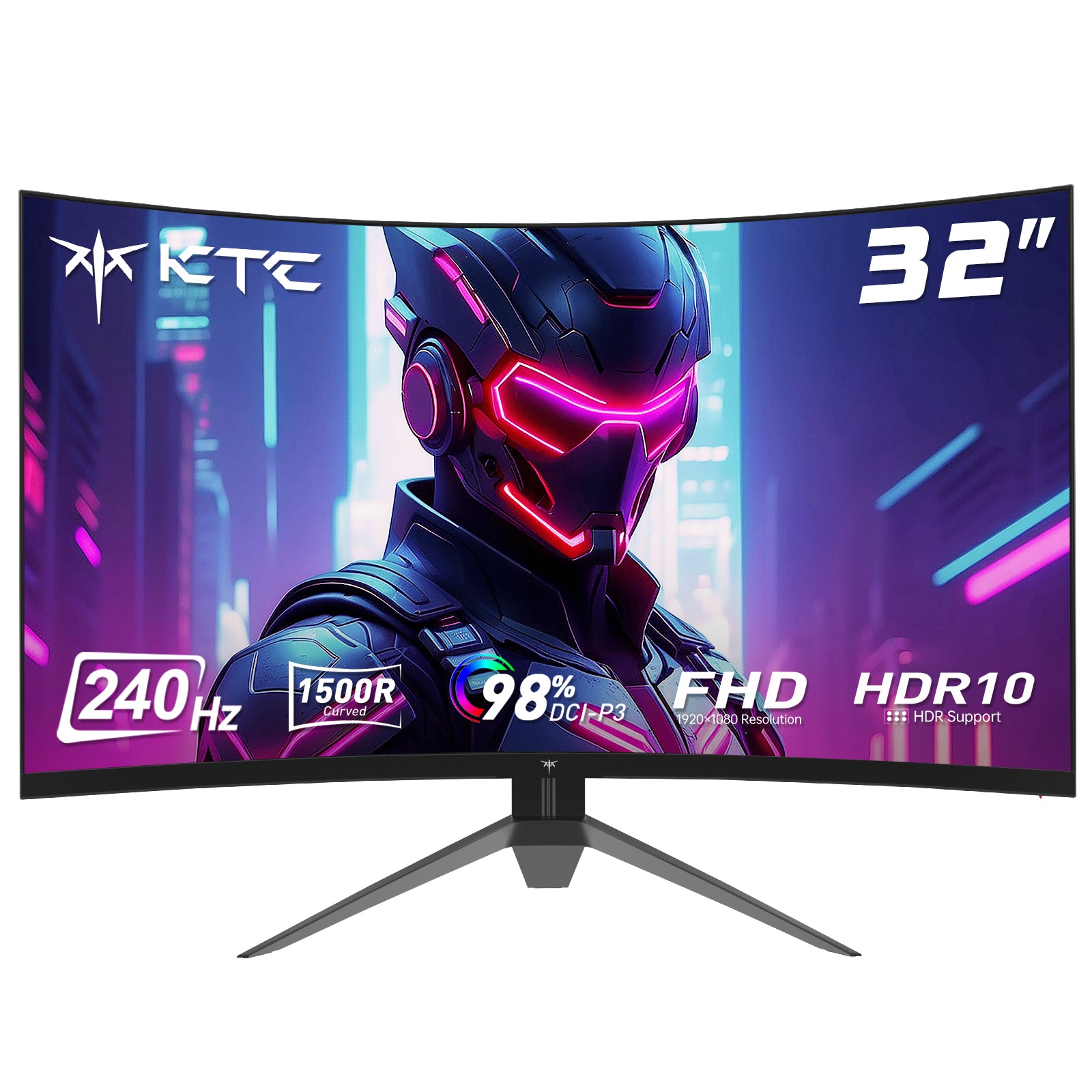
For players seeking deep immersion, the KTC H32S17F features a 32-inch curved HVA panel with a 1500R curvature that wraps the display around your vision. It combines a 240Hz refresh rate with 98% DCI-P3 color coverage and HDR10 support, making fast-paced and visually rich games equally captivating. The curved design reduces eye strain and enhances depth perception for truly engaging sessions.
How to Choose Based on Your Setup
When deciding on a size, consider your Viewing Distance:
- 24" – 25": Best if you sit 1.5 to 2.5 feet (0.5m – 0.8m) away.
- 27": Ideal for a distance of 2 to 3 feet (0.6m – 0.9m).
- 32": Recommended if you sit at least 3 feet (0.9m+) away to avoid seeing individual pixels (if using 1080p) or needing to turn your neck constantly.
The Verdict: Which one is for you?
- Choose 24.5" (like the KTC H25X7) if you are a competitive player who needs the highest refresh rates and total focus.
- Choose 27" (like the KTC H27E6) if you want the best balance of resolution, size, and performance for all types of games.
- Choose 32" (like the KTC H32S17F) if you want an immersive, cinematic experience or a screen that doubles as a media center.
Conclusion
The best gaming monitor size isn’t universal—it depends on how you play, what you play, and how far you sit from your screen. By understanding these factors and choosing a size designed for your gaming style, you’ll unlock better performance, comfort, and immersion.
If you’re building or upgrading your setup, selecting the right monitor size is one of the most impactful decisions you can make.