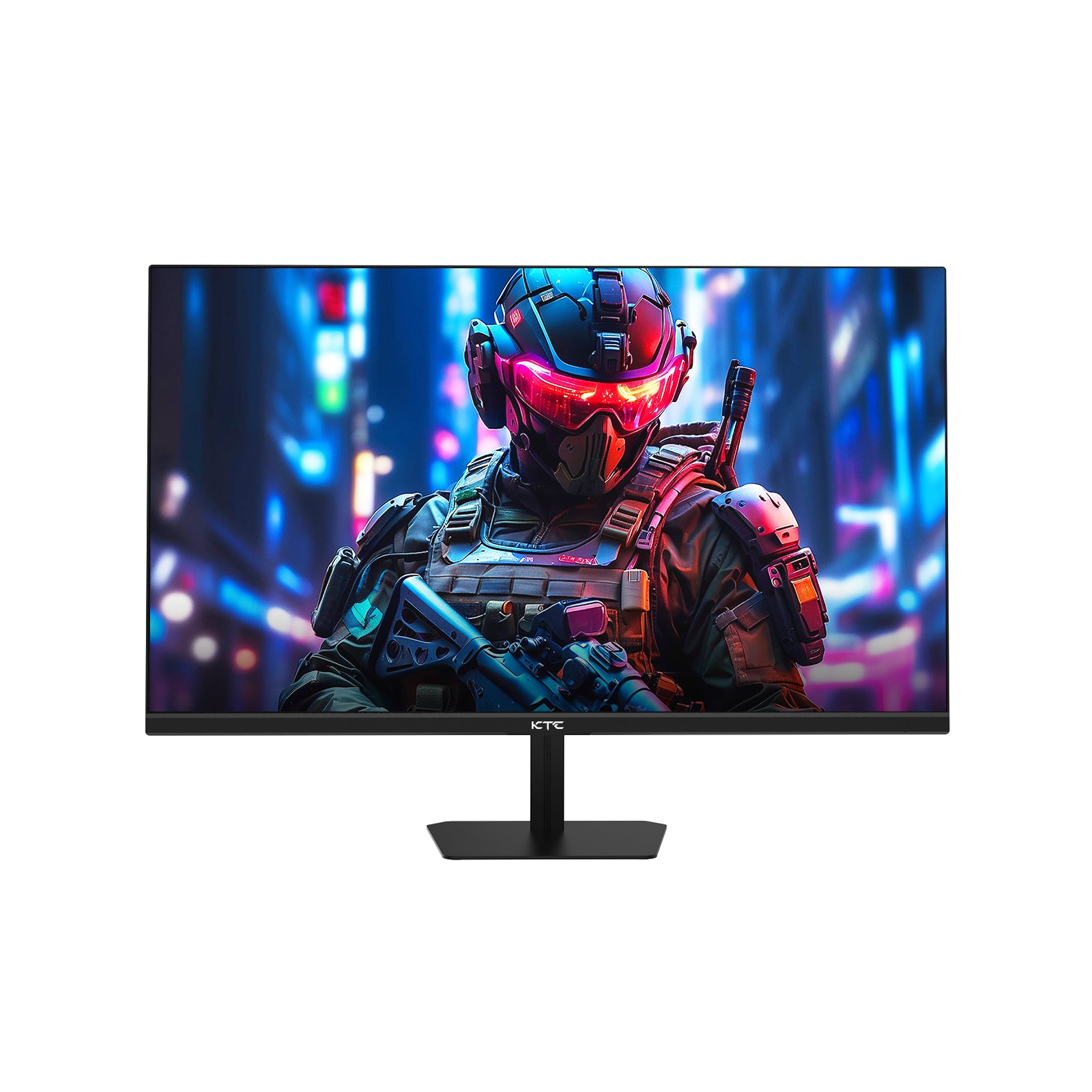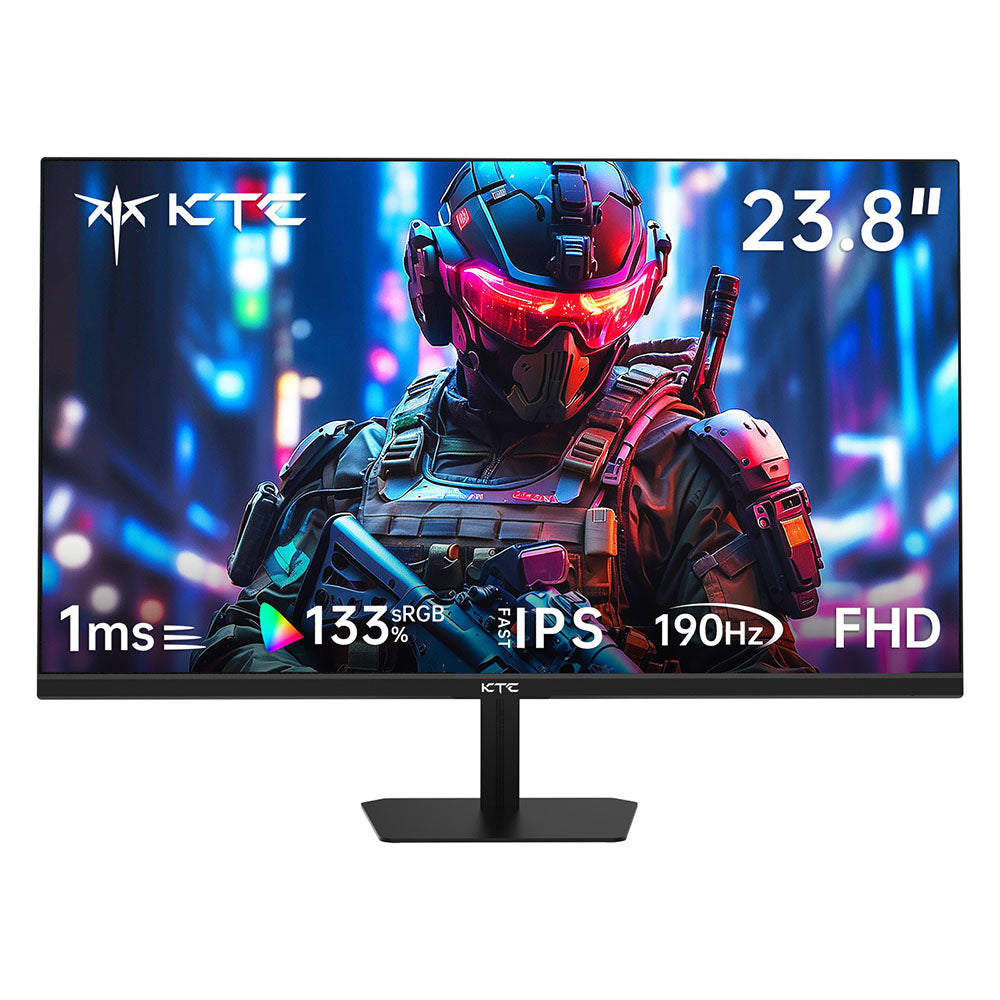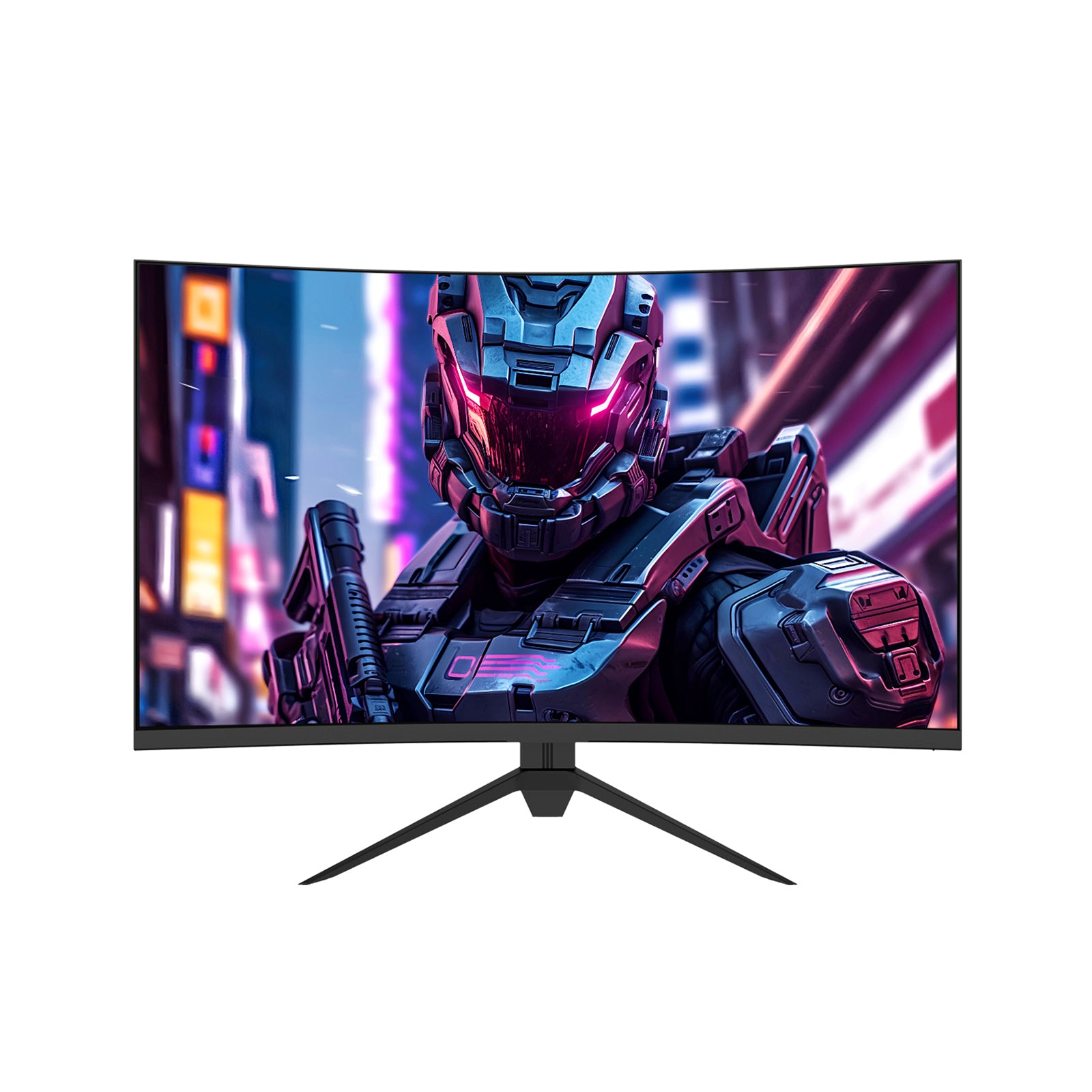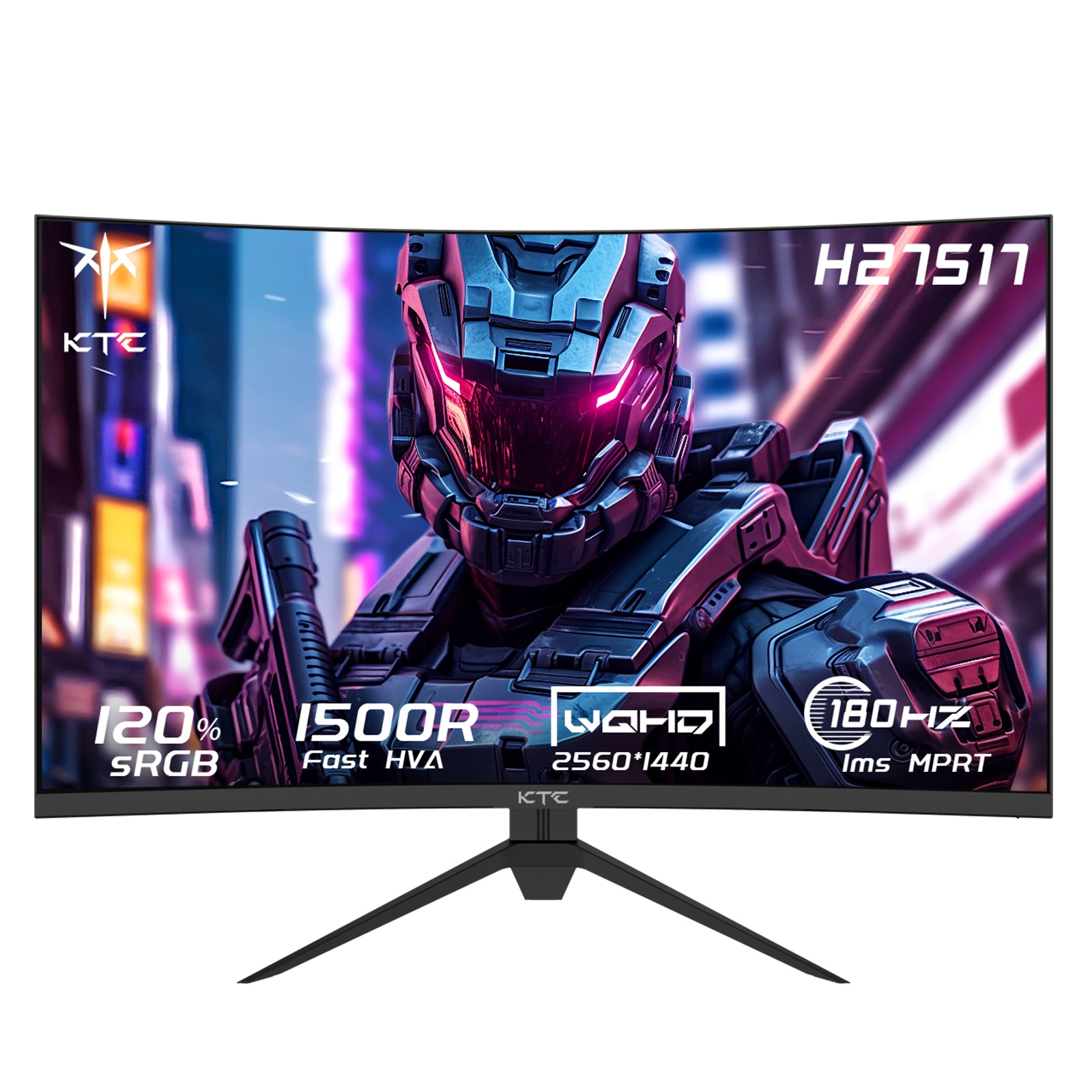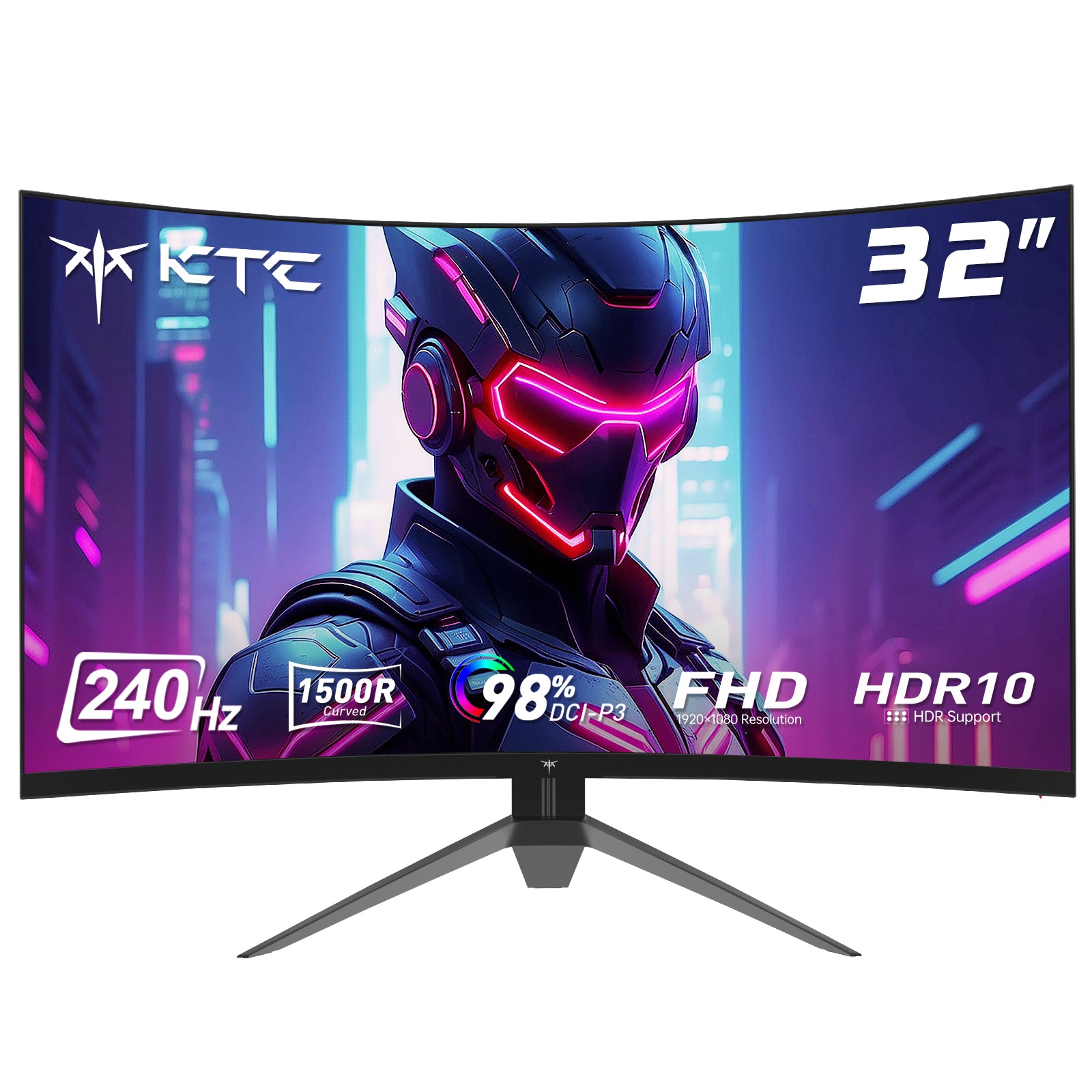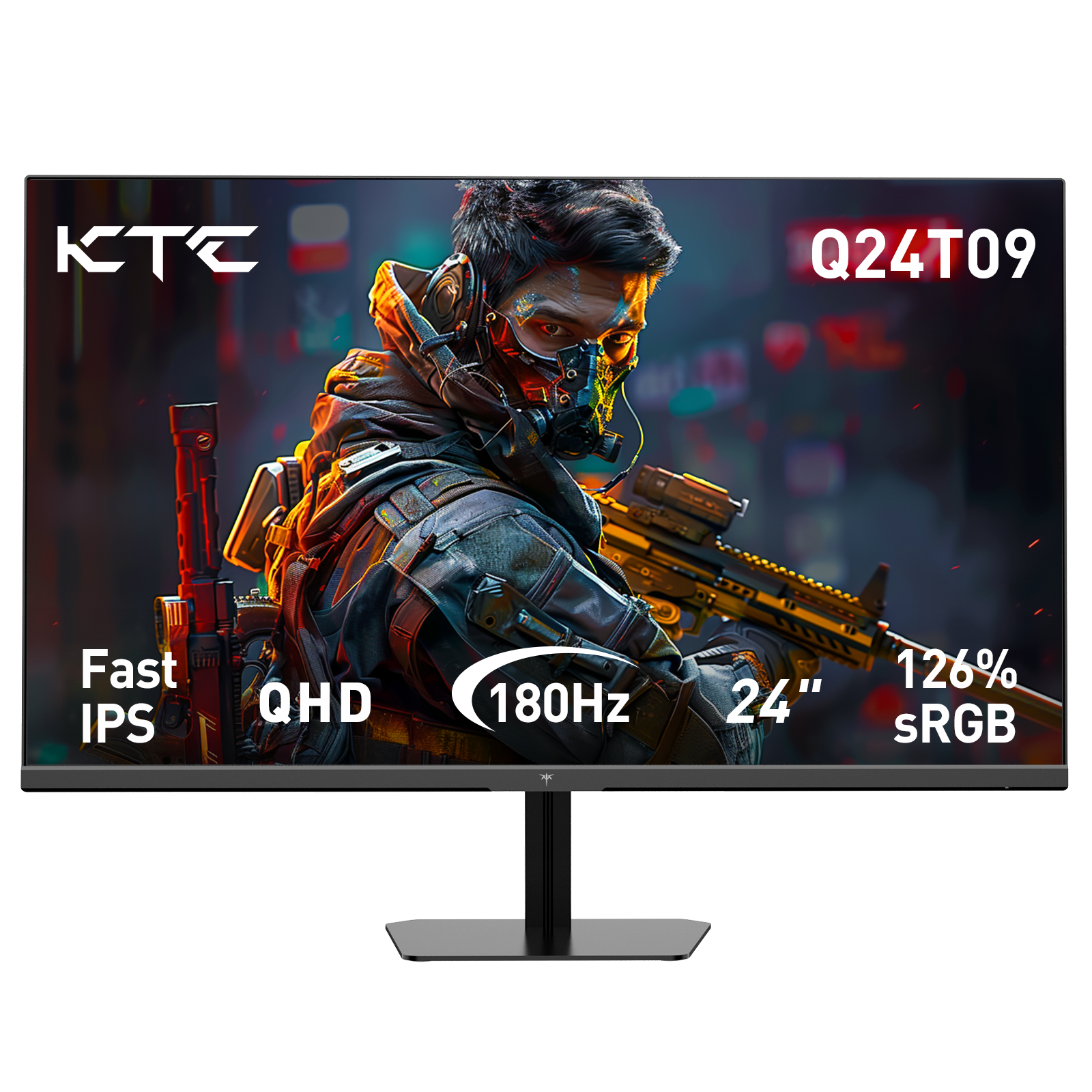
When it comes to setting up the perfect dorm room, a high-quality monitor is a must-have. Whether you're studying, gaming, or binge-watching your favorite shows, the right display can make all the difference. The KTC H32T13 Gaming Monitor stands out as one of the best monitors for dorm room setups, offering an unbeatable combination of performance, color accuracy, and versatility.
In this in-depth review, we’ll explore why the KTC H32T13 is an excellent choice for students looking for both a high-performance gaming monitor and a reliable office monitor. From its stunning WQHD resolution to its smooth 100Hz refresh rate, this display is designed to enhance productivity and entertainment.
Why the KTC H32T13 is the Best Monitor for Your Dorm Room
Dorm rooms are often limited in space, so having a monitor that excels in multiple areas—whether for studying, gaming, or media consumption—is essential. The KTC H32T13 delivers on all fronts, making it a top contender among officeworks monitors and gaming displays.
1. WQHD Resolution and Vivid Color Accuracy
One of the standout features of the KTC H32T13 is its WQHD (2560×1440) resolution, which provides sharper, more detailed visuals compared to standard Full HD monitors. Whether you're working on assignments, editing photos, or watching movies, the clarity is unmatched.
- 109% sRGB Color Gamut: Ensures vibrant, lifelike colors, making it perfect for creative work and media consumption.
- 16.7 Million Display Colors: Delivers smooth gradients and accurate color reproduction.
- 350 cd/m² Brightness: Offers excellent visibility even in well-lit dorm rooms.
- 178° Wide Viewing Angle: Maintains consistent image quality from any position—great for group study sessions or movie nights.
For students who need an office monitor that doubles as an entertainment hub, the H32T13 is an ideal choice.

2. Smooth and Fluid Performance with 100Hz Refresh Rate
Gaming in your dorm room? The 100Hz refresh rate ensures ultra-smooth gameplay with reduced motion blur, making it a fantastic gaming monitor for fast-paced titles like Fortnite, Valorant, or Call of Duty.
But it’s not just gamers who benefit—higher refresh rates also improve:
- Video Editing & Multimedia: Smoother playback and timeline scrubbing.
- Scrolling Through Documents: No more choppy text movement when reviewing long essays or research papers.
- Action-Packed Movies: More fluid motion for an immersive viewing experience.
Compared to standard 60Hz officeworks monitors, the H32T13’s 100Hz refresh rate provides a noticeable upgrade in responsiveness.

3. Comfortable Viewing for Long Study or Gaming Sessions
Dorm life often involves marathon study sessions or late-night gaming. The KTC H32T13 is designed with eye comfort in mind, featuring:
- Low Blue Light Filter: Reduces eye strain during extended use.
- Flicker-Free Technology: Eliminates screen flickering that can cause headaches.
- Adjustable Tilt (-5° to 15°): Helps you find the perfect ergonomic angle for both work and play.
Whether you're pulling an all-nighter before an exam or grinding through a gaming session, this monitor keeps your eyes comfortable.

4. Versatile Connectivity and Multi-Window Productivity
A great dorm room monitor should connect seamlessly with multiple devices. The H32T13 offers:
- 2x HDMI 2.0 Ports (for laptops, gaming consoles, or streaming devices)
- 1x DisplayPort 1.4 (for high-resolution PC gaming or professional work)
- 3.5mm Earphone Jack (for private listening)
Additionally, its multi-window functionality enhances productivity by allowing you to:
- Split the screen between a lecture video and notes.
- Compare research papers side by side.
- Keep Discord or Spotify open while gaming.
This makes it one of the most versatile office monitors for students.

5. Seamless Transition Between Work and Entertainment
The KTC H32T13 effortlessly switches between study mode and entertainment mode:
- For Work: Crisp text clarity, accurate colors for design projects, and smooth scrolling for research.
- For Gaming: High refresh rate and vibrant visuals for an immersive experience.
- For Movies & Shows: WQHD resolution and wide viewing angles make it perfect for movie nights with friends.

No need for multiple monitors—this one does it all!
How the KTC H32T13 Compares to Other Dorm Room Monitors
| Feature | KTC H32T13 | Standard 60Hz Office Monitor | Budget Gaming Monitor |
|---|---|---|---|
| Resolution | WQHD (2560×1440) | Full HD (1920×1080) | Full HD or WQHD |
| Refresh Rate | 100Hz | 60Hz | 144Hz+ (but often lacks office features) |
| Color Accuracy | 109% sRGB, 16.7M colors | ~100% sRGB | Varies (often lower for budget models) |
| Eye Protection | Low Blue Light, Flicker-Free | Sometimes available | Rare in budget models |
| Connectivity | 2x HDMI, 1x DP, Audio Jack | Basic HDMI/VGA | Limited ports |
Final Verdict: Is the KTC H32T13 the Best Monitor for Your Dorm?
Absolutely! Whether you need:
✅ A high-performance office monitor for studying
✅ A smooth gaming monitor for esports
✅ A vibrant display for movies and creative work
The KTC H32T13 delivers exceptional value with its WQHD resolution, 100Hz refresh rate, eye-care tech, and versatile connectivity.
Who Should Buy This Monitor?
- Students who want one monitor for work and play.
- Gamers who need a high-refresh-rate display without sacrificing color accuracy.
- Content creators who require vivid, true-to-life colors.
Upgrade Your Dorm Setup Today!
Don’t settle for a mediocre display—enhance your productivity and gaming experience with the KTC H32T13, the best monitor for dorm room life!