In 2026, the boundary between gaming and productivity is no longer clear-cut. A single monitor is now expected to handle competitive gameplay, remote work, and even professional content creation—without compromise.
With the global surge in remote work and the explosion of the creator economy—where freelancers and YouTubers now account for a significant portion of the workforce—the demand for versatile hardware is at an all-time high.
However, most users face a common dilemma: desktop space is a premium, and budgets are not infinite. You shouldn't have to switch cables or desks just to transition from a morning of video editing to an evening of competitive FPS gaming. The modern solution lies in a high-performance hybrid monitor that meets the dual standard of high refresh rates and color precision.
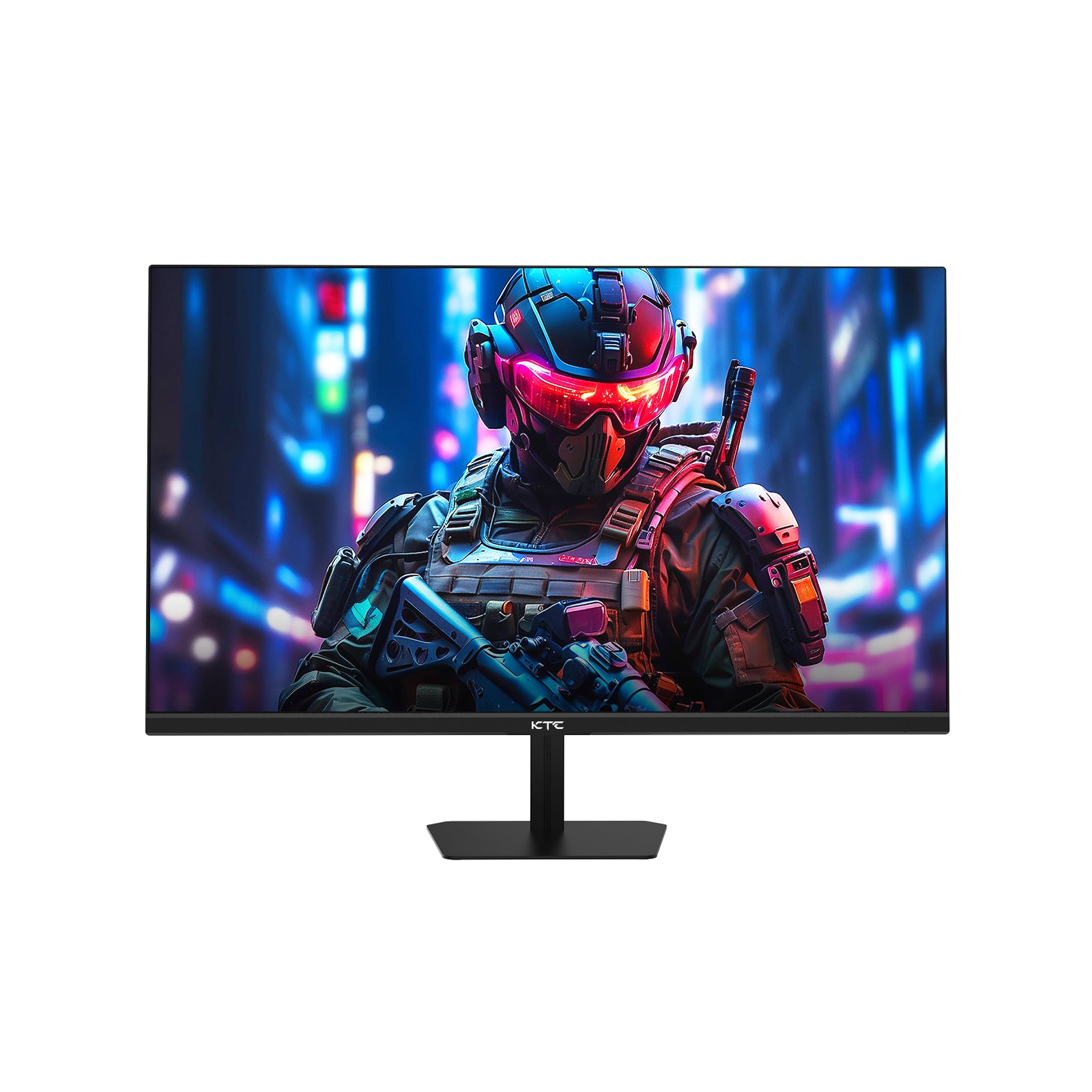
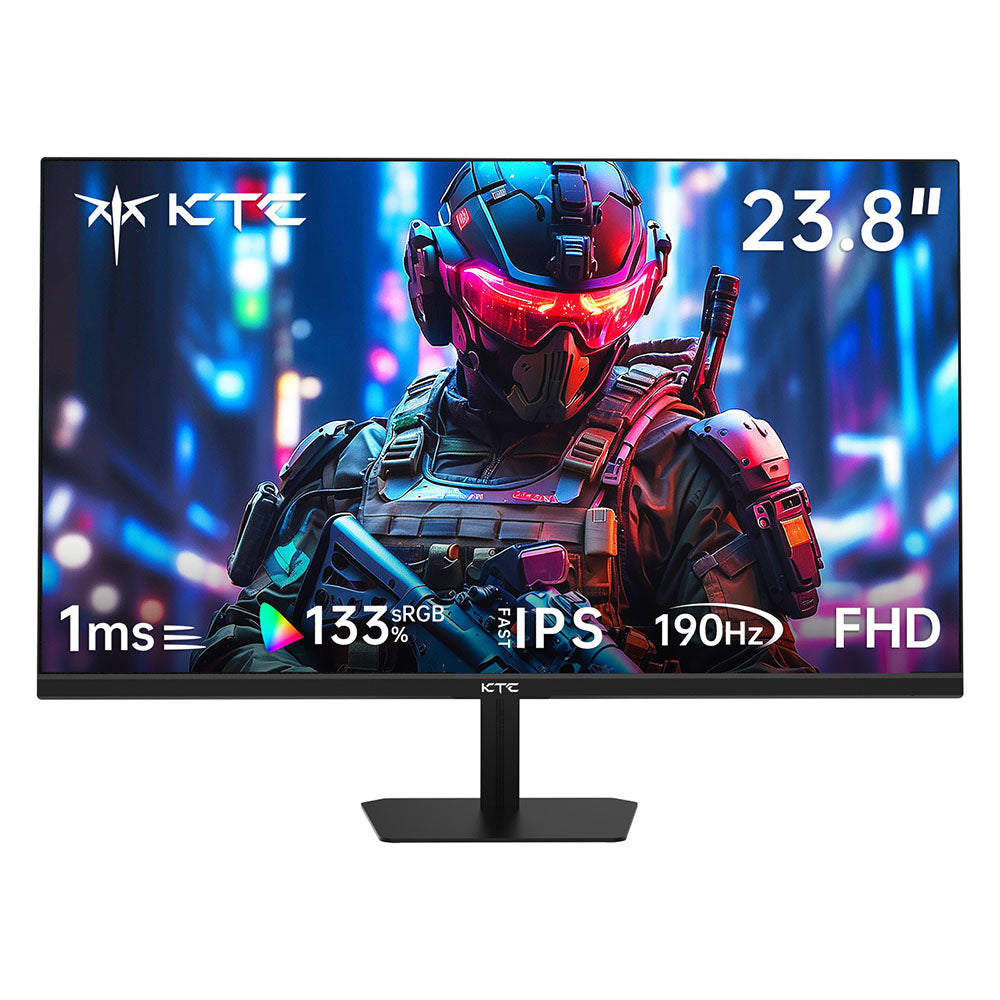
KTC H27T7P-2 has emerged as a highly cost-effective solution in this category, proving that you don't need to compromise on either speed or accuracy. It combines a 2K resolution, 210Hz refresh rate, and a wide color gamut—delivering a setup that fits modern hybrid demands without unnecessary complexity.
Can One Monitor Really Handle Gaming, Work, and Design?
For many, the "one-monitor-fits-all" approach used to be a myth. Early high-refresh gaming monitors often sacrificed color depth, while professional design screens felt sluggish during gameplay. However, current display standards have evolved to handle multiple scenarios simultaneously.
What makes a monitor good for both gaming and professional tasks?
A true hybrid monitor must satisfy two masters. For work, you need screen real estate; 2K resolution (2560x1440) provides 77% more workspace than standard 1080p, allowing for seamless side-by-side multitasking. For gaming, responsiveness is non-negotiable. The goal is to find a display that pairs this resolution with a 210Hz refresh rate and a color gamut wide enough to handle 131% sRGB.

Why "Fast IPS" is the game-changer for hybrid users?
Historically, users had to choose between the speed of TN panels and the colors of IPS. Fast IPS technology has eliminated this friction. It offers the lightning-fast 1ms response times required to significantly reduce ghosting in FPS games while maintaining the wide viewing angles and vibrant 1.07 billion color reproduction necessary for professional creative work.
The Essential Checklist for a Hybrid Monitor Setup
Choosing the right gaming monitor for video editing or work requires evaluating more than just picking a screen off a shelf—it’s about how those specs work together. You need a specific combination of hardware specifications to ensure long-term utility.
- Visual Clarity (2K Resolution): The KTC H27T7P-2 provides the "sweet spot" resolution. At 27 inches, 1440p offers sharp text for document reviews and dense pixel counts for intricate design work.
- Color Excellence: Professional work demands vibrancy. With 131% sRGB volume and HDR400 support, the H27T7P-2 ensures that digital content remains true-to-life, whether you are grading video or exploring open-world game environments.
- Peak Performance: Transitioning to play is seamless when your hardware supports an overclocked 210Hz refresh rate. This minimizes stuttering, providing a competitive edge in fast-paced titles.
Professional Productivity Meets Eye Comfort
Efficiency is often limited by physical fatigue. A monitor used for 8+ hours of work followed by a 3-hour gaming session must be engineered for long-term health.
Hardware Low Blue Light
Unlike standard software filters that turn your screen an unappealing yellow, the KTC H27T7P-2 features hardware-level low blue light technology. This effectively reduces eye strain by filtering harmful emissions while maintaining a neutral, professional color balance—critical for designers who work late into the night.

Ergonomic Flexibility and Connectivity
A hybrid setup often involves multiple devices. Use the flexible stand to find the perfect ergonomic height, or utilize the 100x100mm VESA mount for a clean, multi-monitor arm arrangement.
| Port Type | Quantity | Best Use Case |
| DP 1.4 | 2 | Primary PC for 210Hz Gaming & High-Res Design |
| HDMI 2.0 | 2 | MacBook/Work Laptop or Consoles (PS5/Xbox) |
Real-World Performance: The KTC H27T7P-2
The KTC H27T7P-2 is engineered to adapt to your schedule rather than forcing you to adapt to your hardware:
- Daytime Office: Benefit from sharp text rendering and enough space for multi-window workflows.
- Evening Gaming: Activate the 210Hz mode and Adaptive Sync (compatible with FreeSync and G-Sync) for a stutter-free, immersive experience.
- Weekend Creation: Utilize the 1.07 billion color depth to polish high-quality social media content or digital art with professional confidence.

Expert FAQ: Common Questions About Hybrid Displays
Is a 210Hz monitor good for office work?
Yes. While 210Hz is a gaming feature, higher refresh rates make daily tasks like cursor movement and document scrolling feel significantly smoother, which helps reduce perceived eye fatigue.
What refresh rate is enough for work and gaming?
144Hz is the baseline for 2026, but 210Hz provides a future-proofed level of smoothness that enhances both competitive play and the overall desktop experience.
Can I use the KTC H27T7P-2 for color-critical work?
Absolutely. Thanks to its 131% sRGB coverage and 1.07 billion colors, it provides the vibrancy and accuracy required for web design, photography, and high-end video production.
Conclusion
The era of compromising between "work monitors" and "gaming monitors" is over. The hybrid monitor represents a smart investment in both your professional productivity and your personal entertainment. The KTC H27T7P-2 proves that you can have elite eSports speed without sacrificing the color accuracy and eye comfort required for a demanding career.
Stop choosing between work and play. Check out the KTC H27T7P-2 and elevate your hybrid setup today.